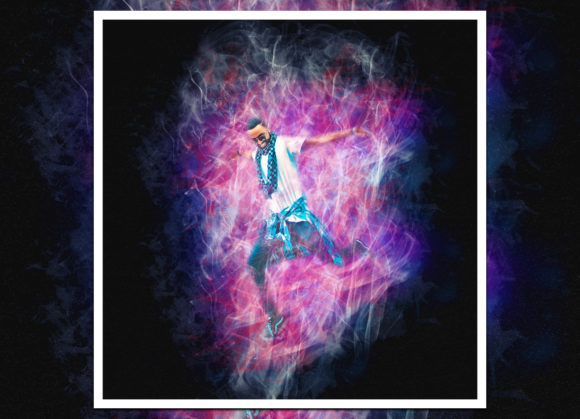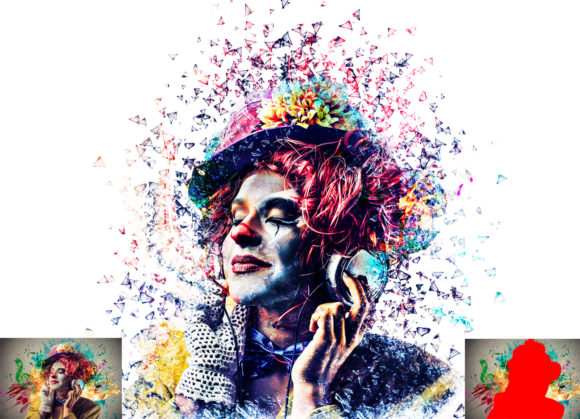
Master the Splatter Effect Photoshop Action
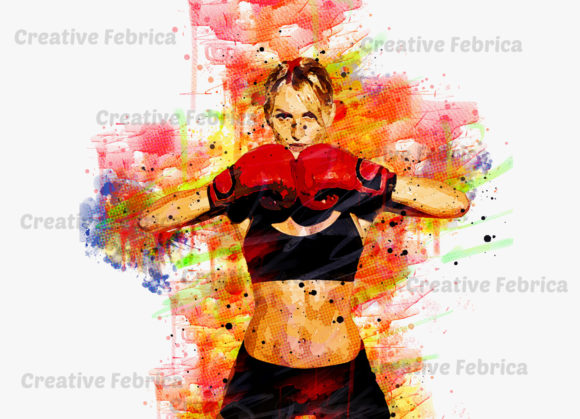
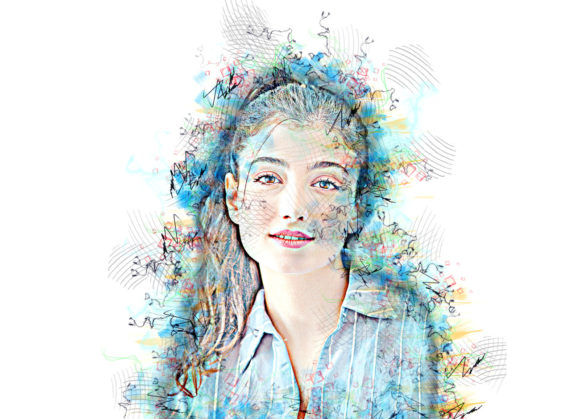
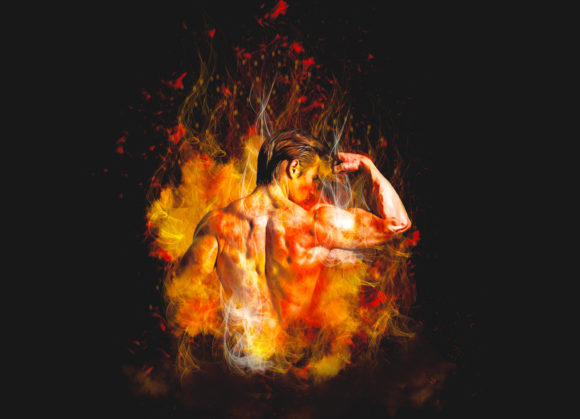
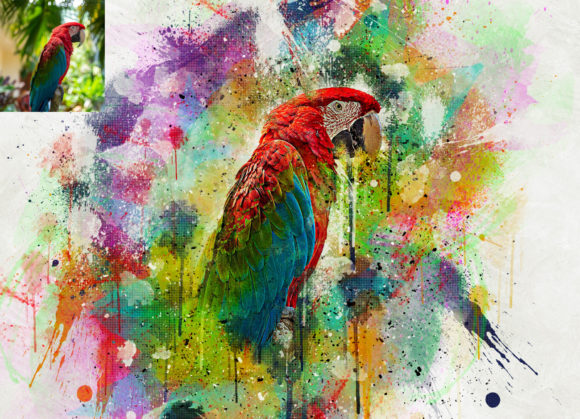
In the fast-paced world of digital marketing and visual design, capturing attention within seconds is paramount. Static, polished images often blend into the background noise of social feeds and websites. This is where dynamic textures come into play, offering a raw, energetic edge that resonates with modern audiences. The Splatter Effect Photoshop Action serves as a powerful tool for designers looking to inject vitality and movement into their creative projects. By transforming ordinary photographs into extraordinary visual statements, this resource allows creators to break free from rigid layouts and embrace a more organic aesthetic.
Elevating Brand Identity Through Dynamic Textures
Integrating splatter effects is not merely about adding chaos; it is about strategic visual communication. In branding and logo design, these elements can convey creativity, rebellion, or high energy, depending on the context. When used correctly, they enhance the visual hierarchy, guiding the viewer’s eye toward key messages or products. For businesses aiming to refresh their brand identity, incorporating such textures into social media graphics or advertising campaigns can signal a shift toward a more contemporary and bold approach.
The versatility of this effect extends across various mediums. Whether you are working on packaging design, editorial layouts, or web design UI components, the ability to quickly apply a professional-grade texture saves valuable time. Instead of manually painting each droplet, which can be tedious and inconsistent, an automated action ensures uniformity while allowing for custom adjustments. This balance between efficiency and creativity is essential for maintaining a smooth design workflow in professional environments.
Technical Compatibility and Ease of Use
One of the standout features of this professional pack is its broad compatibility. It is designed to work seamlessly with Adobe Photoshop versions ranging from CS4 to CC2020 (English Version). This ensures that whether you are using older hardware or the latest software updates, you can integrate this tool into your existing setup without technical hurdles. The action is non-destructive, meaning your original image remains intact, allowing for endless experimentation and customization.
To achieve the best results, following the specific workflow is crucial. The process is straightforward but requires attention to detail:
- Open your chosen photo and create a new layer.
- Rename this layer “brush” in lowercase letters exactly as specified.
- Select a soft brush and paint over the areas where you want the effect to originate.
- Hide the visibility of the “brush” layer but keep it selected.
- Click the play button on the action panel.
During execution, the action will pause with a stop message instructing you to select the Effect mask layer. Set your foreground color to black and use a splatter brush to mask the outer areas, refining the spread of the effect. Next, select the Liquify mask layer, ensure your foreground is set to white, and use another splatter brush to add further depth and variation. Once satisfied, click play again to complete the process. This step-by-step guidance ensures even beginners can achieve professional-looking outcomes.
Practical Applications in Modern Design
The utility of the Splatter Effect Photoshop Action spans numerous creative fields. For digital marketers, it offers a way to make product shots stand out in crowded online marketplaces. In editorial design, it can add grit and texture to magazine covers or feature spreads, creating a tactile feel that engages readers. Furthermore, in UI and UX design, subtle splatter elements can be used as background accents to break up solid color blocks, adding interest without compromising readability.
- Social Media Content: Create eye-catching posts that stop the scroll.
- Merchandise: Design unique t-shirt graphics or poster art with high visual impact.
- Presentation Decks: Add dynamic backgrounds to keep audiences engaged during pitches.
- Web Banners: Enhance hero images with energetic textures that align with campaign themes.
When selecting colors and composition, consider your overall color palette and brand guidelines. The effect should complement, not overpower, the core message. Using contrasting colors for the splatter against the background can create a striking visual pop, while monochromatic schemes offer a more subtle, sophisticated look. Always prioritize readability and ensure that text placed over textured areas has sufficient contrast.
The package includes essential assets such as the ATN file, specialized brush files, pattern files, and comprehensive PDF help documentation. These resources empower designers to tweak and refine the effect, ensuring it aligns perfectly with their creative vision. By leveraging these tools, you can elevate your design quality, producing work that is not only visually appealing but also strategically effective in communicating your intended message.